Free to download and use.
Workout plans, food diary, barcode scanner and weigh-ins cost nothing.
 HOLYMP
Answers to the questions we get most often: what is free, how training and nutrition work, what the AI Coach does and how we handle your data.
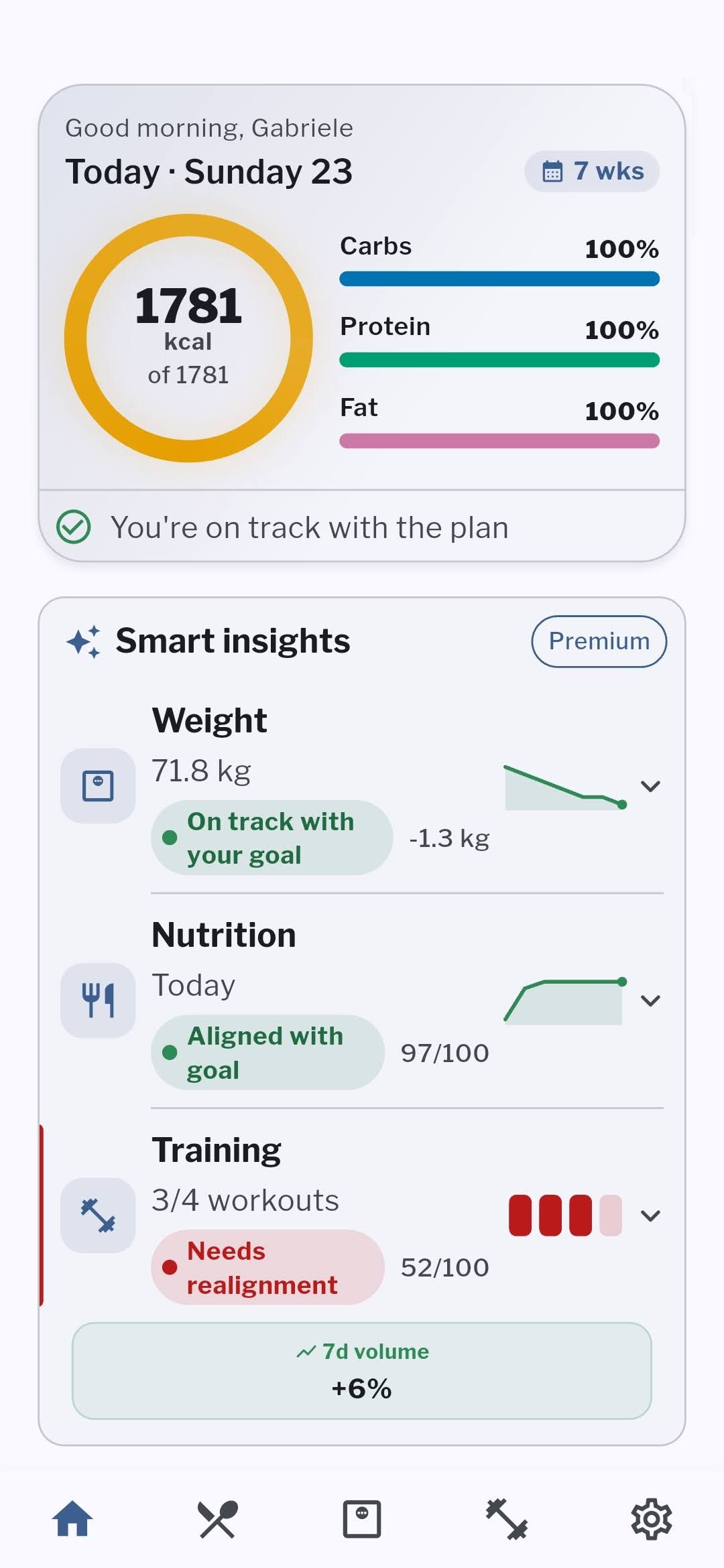
A fitness app for Android, in English and Italian, that is free to use. Premium adds the features that analyze your data.
Workout plans, food diary, barcode scanner and weigh-ins cost nothing.
For now Holymp is available only on Android.
We don’t sell it and don’t use it for advertising. You can delete your account whenever you like.
Yes. Holymp is free to download and use: food diary, workout plans, rest timer, barcode scanner and weigh-ins cost nothing. The features that analyze your data are included in the Premium subscription.
For now Holymp is available only on Android, on Google Play.
English and Italian. You can change the language in the app settings.
At least 14. AI Coach answers based on your personal data are available to adults only.
Yes. Your workout is saved on your phone and syncs as soon as you are back online, without losing sets or notes.
Yes. Build the program by hand with your exercises, sets, reps and rest times, and use it like any other plan.
It starts on its own when you confirm a set. If you need more or less time, add or remove 30 seconds with one tap.
No. It is a suggestion: use it with one tap or type your own value.
Yes: running, cycling, walking and other timed exercises, with duration, distance and intervals.
Yes. With Holymp Premium you snap your plate or describe it in words and the app estimates foods and grams, which you can correct. Barcode scanning and food search stay free.
Yes: food diary, barcode scanner, food search and per-meal targets are free. With Premium you can add foods from a photo or a sentence and see diet quality and micronutrients.
Yes. You can set one calorie and macro split for training days and another for rest days.
At first it estimates them from your profile. With Premium it recalculates your maintenance calories from the meals you log and how your weight changes.
Yes, with the barcode scanner or by searching for them by name.
In Holymp you can build it by hand for free, with your exercises, sets and rest times. With Premium the AI Coach builds it from your answers about goal, days, time and equipment.
An assistant powered by artificial intelligence that creates and improves your gym workout plan and answers questions about your training, nutrition and weight data.
It is included in the Premium subscription, with a monthly allowance of points.
Yes. You can ask for refinements before activating it and edit it by hand at any time, like any other plan.
It reads the data you have in Holymp so it can answer about you. It does not receive your name or your email.
No. It helps you get organized and read your data, but it does not diagnose and does not replace a professional. For pain, health conditions or specific goals, talk to a qualified professional.
No. Your data is used to make the app work and is not used for advertising. All the details are in the privacy policy.
From the app settings or from the “Delete account” page on this site. Your data is deleted with your account, within the times set out in the privacy policy.
AI Coach, suggested load during workouts, maintenance calories calculated from your data, automatic macros, diet quality, vitamins and minerals, recaps and, in Beta, the Coach chat and the weekly meal plan.
You see the current price on Google Play before subscribing, and it depends on your country. You can cancel anytime from your Google Play subscriptions.
The subscription goes through Google Play: manage or cancel it from your Google Play subscriptions, which you can also reach from the Premium section of the app.
The monthly allowance included in Premium to create workout plans, meal plans and ask the chat its more demanding questions. Simple questions do not use points.
It means the feature is already available to Premium subscribers but still being tested: it may be inaccurate, change or be paused.
In the Holymp settings, open the Help center and send us a report: we will reply there.